Presence and daylight control
HPS publishes occupancy to DCS for switching and delayed off. An optional light sensor can suppress automatic lighting when daylight is sufficient.
KT-MESH
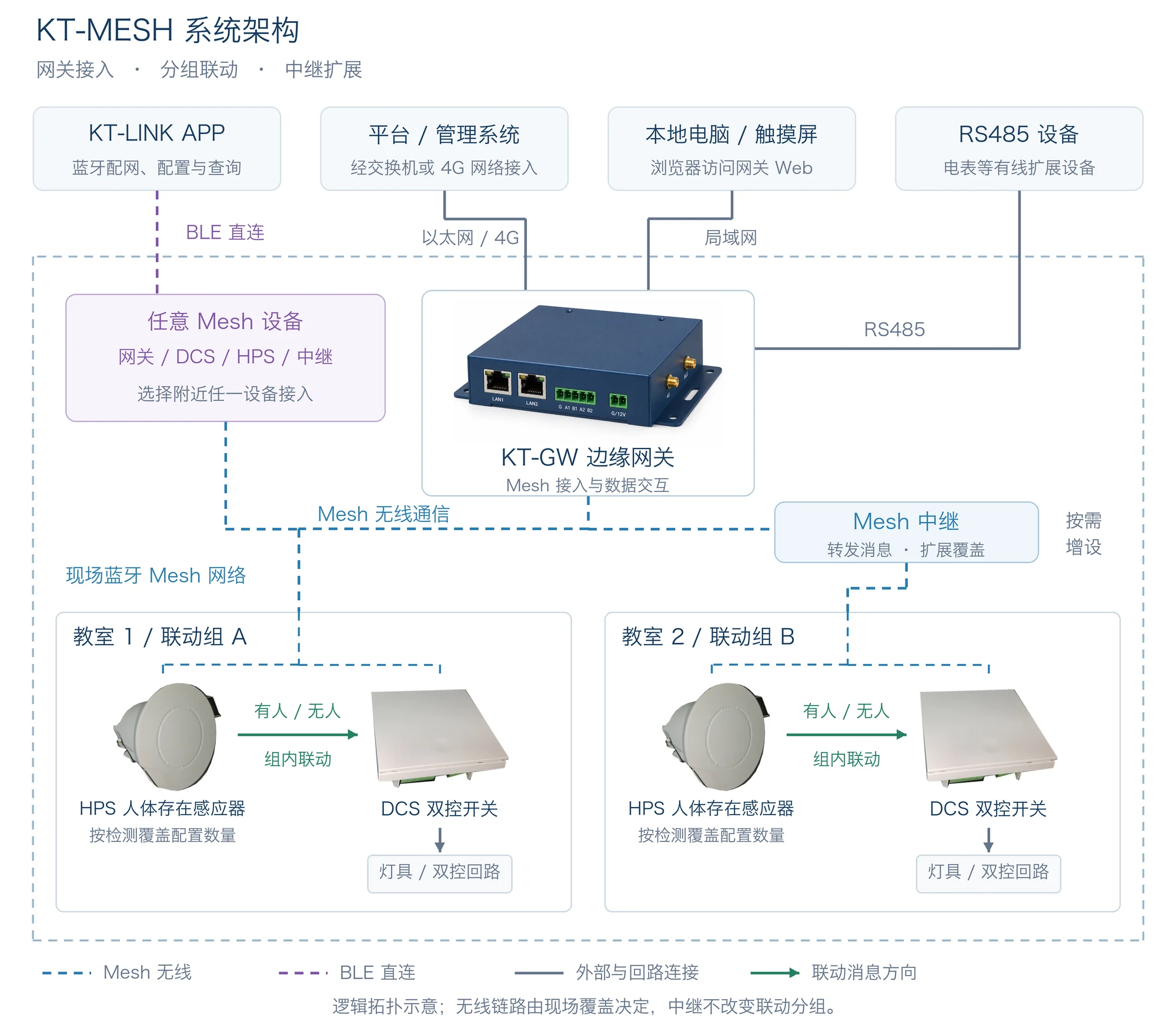
Connect presence sensors, two-way switches and dimming devices by room. Commission with KT-LINK and connect field data to your platform through KT-GW.
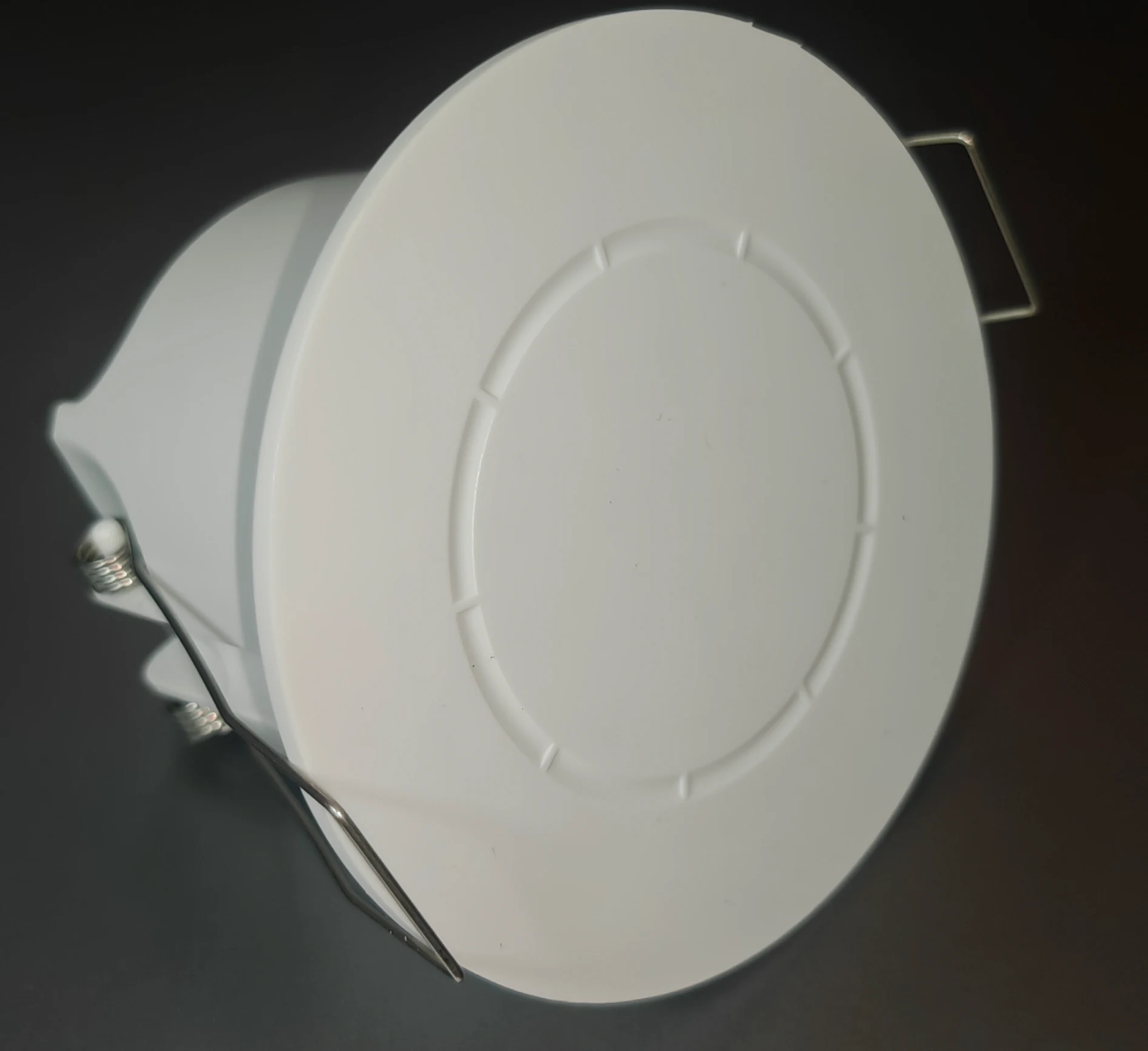
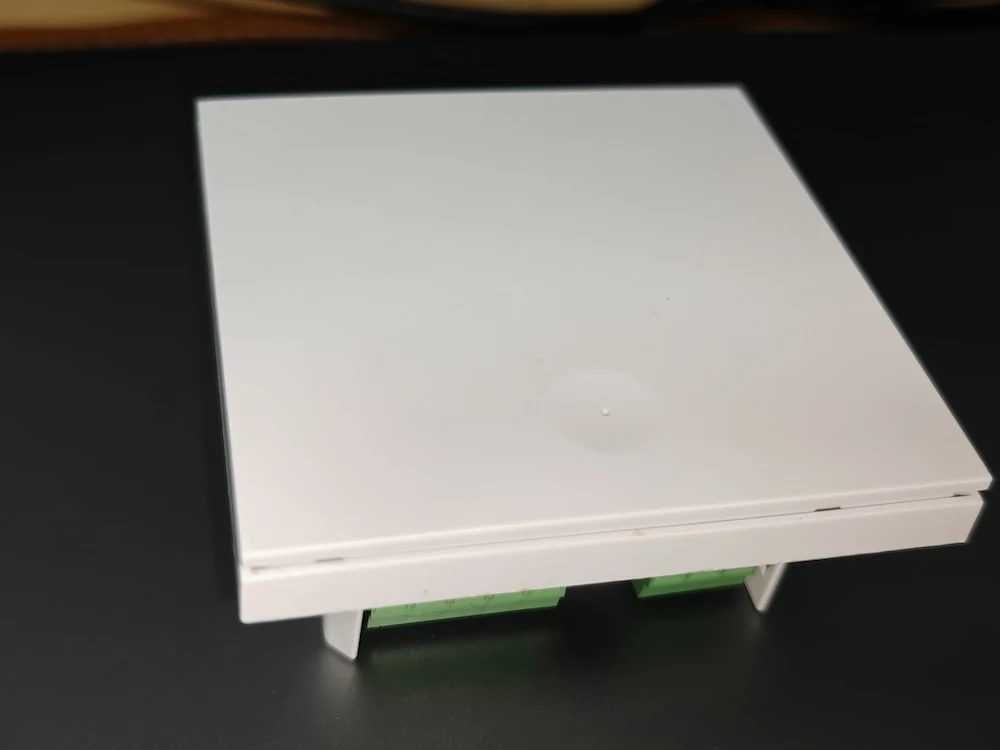
Product photos from the HPS and DCS manuals
One Connected System
HPS publishes occupancy to grouped DCS switches. Relays extend coverage, while KT-GW connects the Mesh network, wired meters and management platform.
Lighting & Control
HPS publishes occupancy to DCS for switching and delayed off. An optional light sensor can suppress automatic lighting when daylight is sufficient.
Create groups for classrooms, offices or corridors. Each node can subscribe to up to three groups, with group publishing separating control areas.
DCS works with a compatible mechanical two-way switch to control one load from two locations, alongside app control and automation.
PWM devices support 0–100% output, separate on/off brightness, fade time and five illuminance bands for different lighting needs.
Add relay-capable KT-MESH devices or repeaters. Enable relaying and restart before verifying coverage; control groups remain independent.
With powered, correctly configured and reachable devices, local automation needs no continuous app connection. KT-GW connects to platforms over MQTT.
Build Your System
Start with sensing and switching, then add daylight dimming, gateway access and maintenance tools.
Presence sensing for occupancy-aware lighting and fine-grained space energy savings.
Product details →KT-MESH-DCS-1G controls one two-way circuit with mechanical switching, app control, occupancy and daylight automation.
Product details →
Live ambient lux for grouped threshold switching and stepped dimming on PWM devices.
Product details →
Continuous lighting dimming with scene strategies and sensor-based automation.
Product details →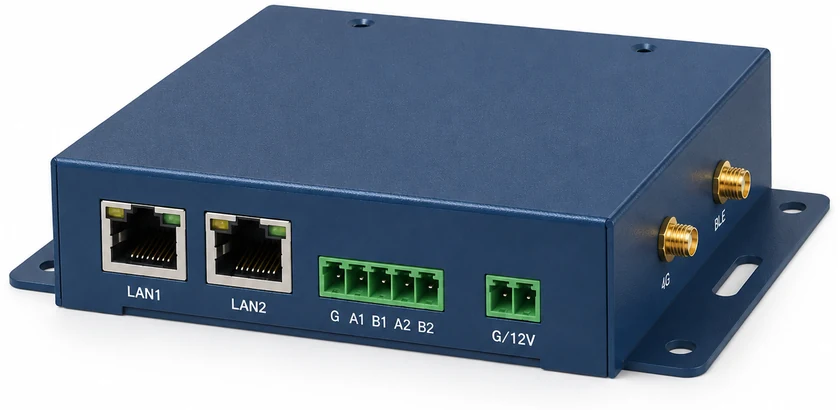
Connect Bluetooth Mesh and Modbus devices with dual Ethernet, dual RS485, MQTT data rules and Web management.
Product details →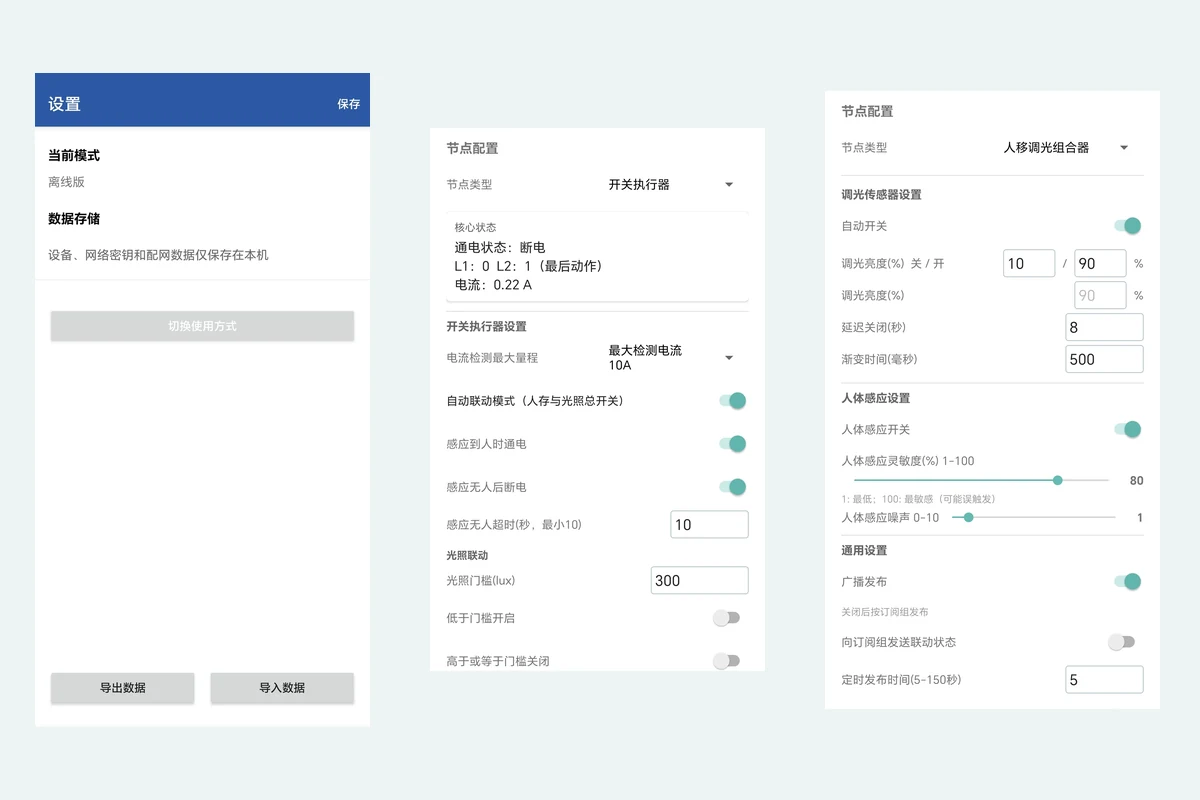
BLE provisioning, group management, configuration, offline data and OTA maintenance for KT-MESH devices.
Product details →From Setup to Operation
Provision over BLE in KT-LINK, name by location and identify each physical device.
Subscribe sensors and target switches to the same group and enable group state publishing.
Enable DCS automation and set occupied-on, vacant-off, delay and daylight conditions.
Add relays as needed; verify arrival, seated occupancy, departure, re-entry and room isolation.
KT-LINK for Android
Provision over BLE, configure matching nodes in batches, manage up to three subscriptions per node and transfer offline data using JSON. Read parameters back to verify the result.
Explore KT-LINKPlanning Your Project
Local HPS–DCS automation works without a continuous app connection when devices share a network and group, publishing and automation are configured, power is maintained and Mesh communication is available. Remote platform functions may be unavailable offline.
KT-MESH-DCS-1G switches one circuit from two locations. Installation needs live and neutral, sufficient box depth and a compatible load. Dimming requires a device with PWM output.
The sensor first confirms vacancy, then the switch waits for its configured off delay. These are separate settings. A valid occupied message during the wait cancels the pending off action.
Add a relay-capable device within reach of the existing network, provision it to the same network, enable relaying, save and restart, then retest remote queries and automation.
Share your room layout, circuit count and automation goals for a product and deployment proposal.
Contact our team